
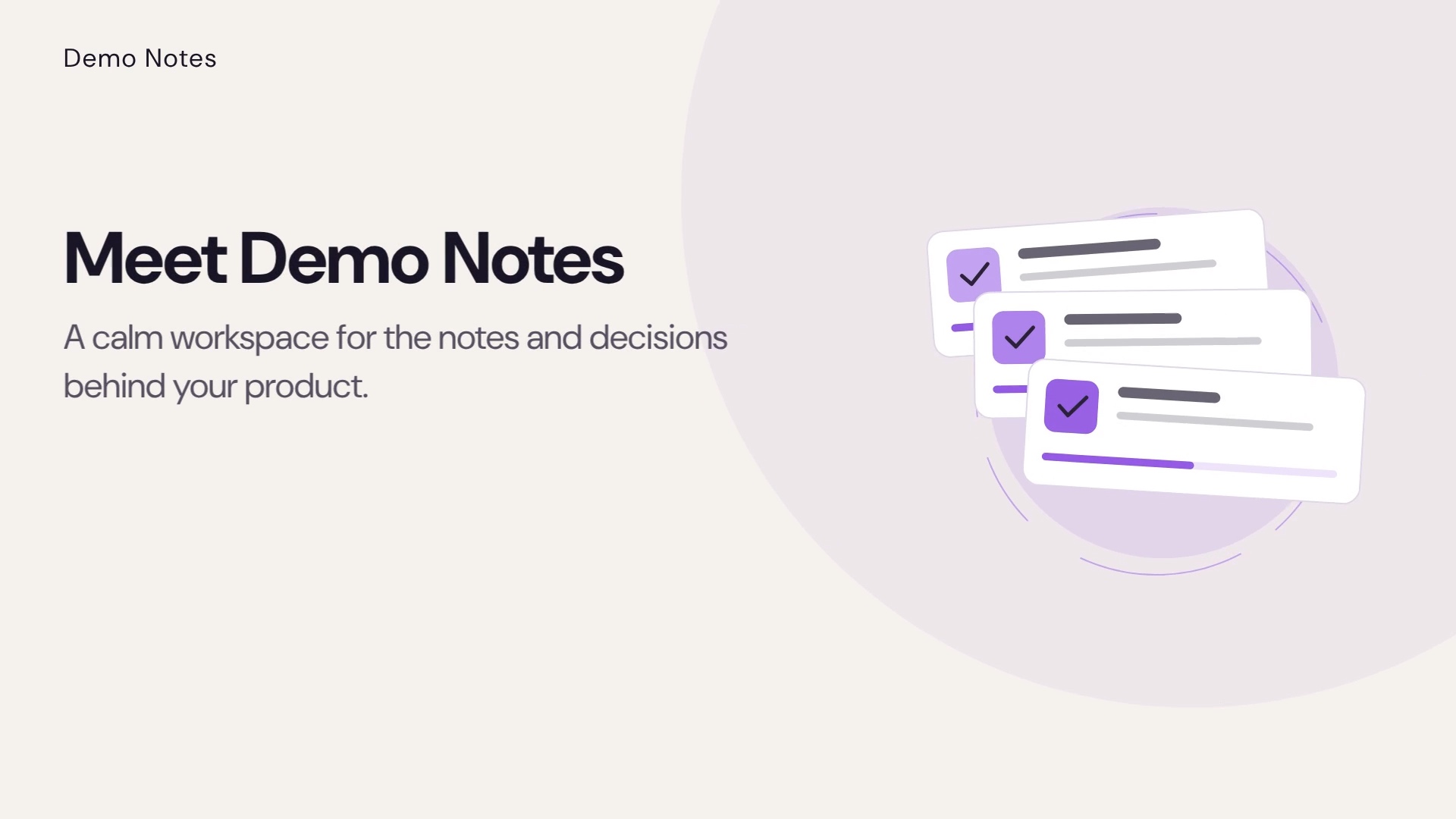
Demo Notes — Feature Introduction
Concept demo · Minimal · Motion · 16:9 · 15 seconds.
A fictional Minimal product-video concept showing a calm feature-introduction structure.
These product video examples are rendered CodedVideo concept demos for fictional products. Each has four scenes and original copy; none is customer work, a testimonial, or proof that a particular AI model created its visuals. The set shows three different jobs for a short product story: introduce a feature calmly, make a launch sequence easy to follow, and present a collection in a phone-first vertical frame. All three public samples use silent Motion graphics rather than generated footage. In a private project, you can use approved screenshots you have permission to share, edit scene copy, preview the composition, and decide whether optional footage is appropriate.
Concept demo · Minimal · Motion · 16:9 · 15 seconds.
A fictional Minimal product-video concept showing a calm feature-introduction structure.
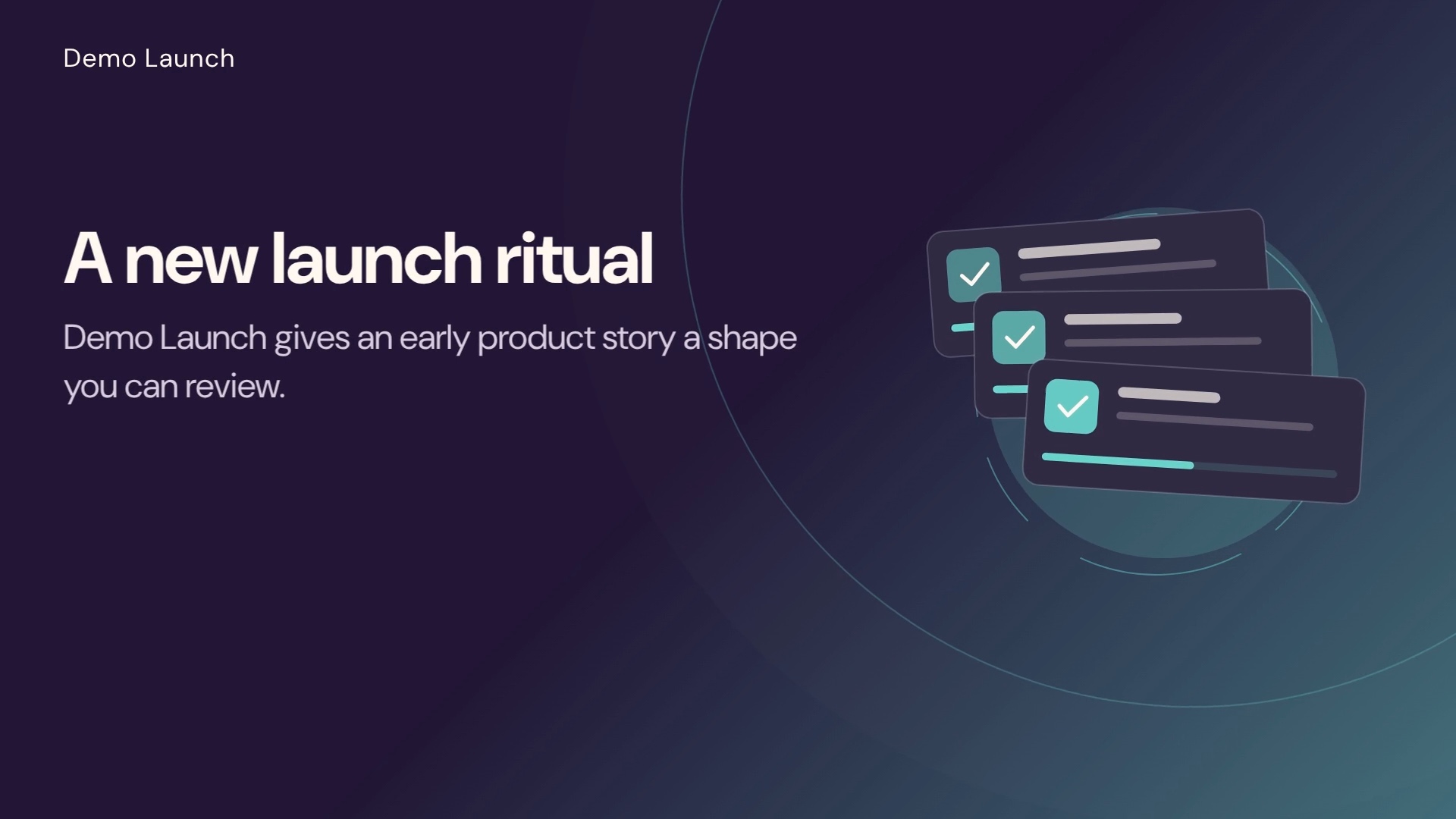
Concept demo · Kinetic · Motion · 16:9 · 15 seconds.
A fictional Kinetic product-video concept for shaping and reviewing a concise launch story.
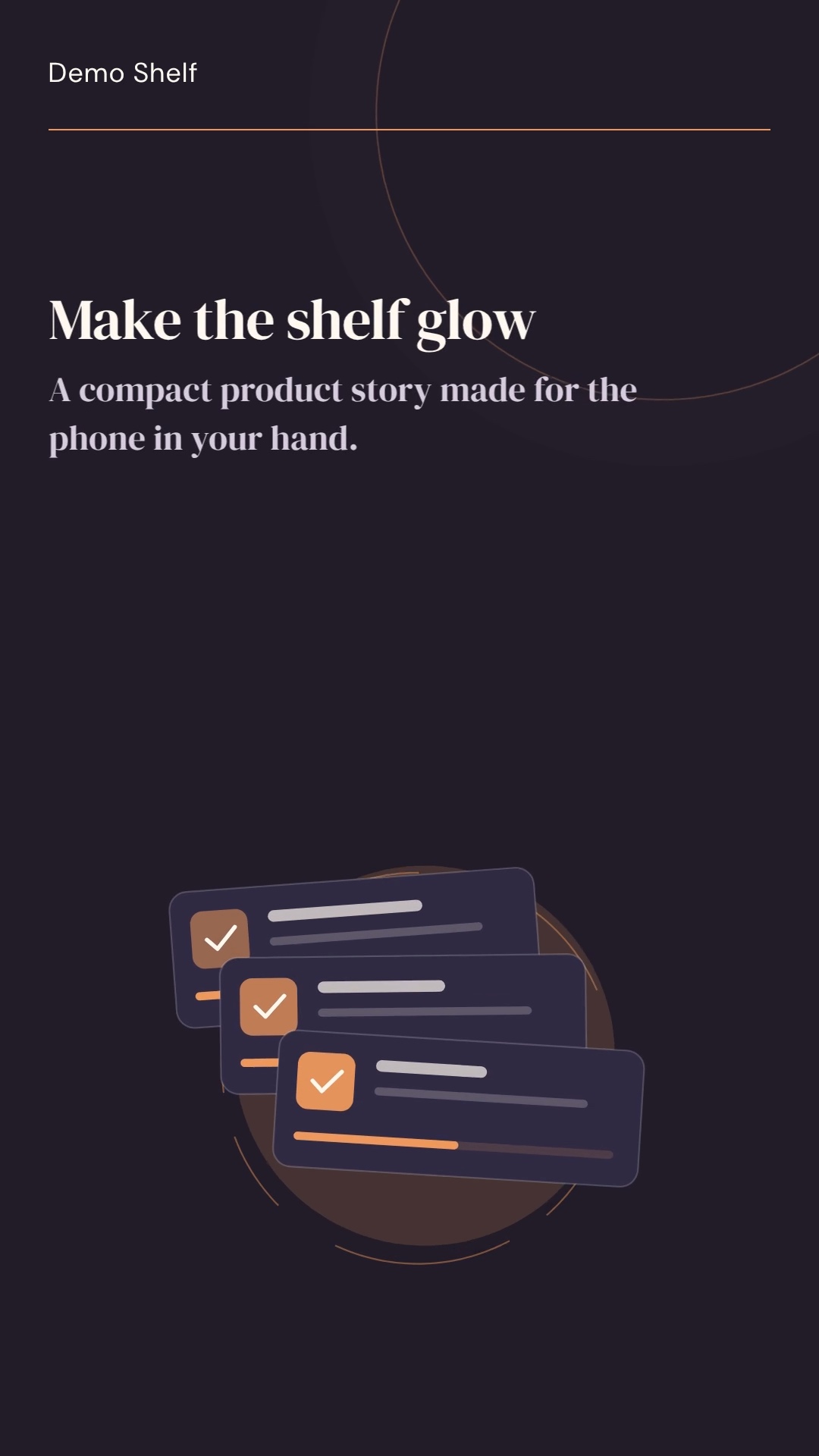
Concept demo · Editorial · Motion · 9:16 · 15 seconds.
A fictional Editorial vertical product-video concept designed for a phone-first product story.
Demo Launch — New Product Launch uses a kinetic treatment for a four-scene launch story. It moves from the announcement to a product moment, a benefit, and a next step. The example is useful when a team needs to explain what is new without turning a short video into a feature list. Keep the opening focused on one change, and use the middle scenes to show why that change matters.
A launch video still depends on accurate source material. Bring approved product screenshots or other visuals that show the real interface; keep claims grounded in the release facts. Preview the copy at the intended aspect ratio before exporting.
Demo Notes — Feature Introduction is a minimal concept for a fictional notes workspace. Its calmer pacing gives a viewer time to understand one workflow: collect product notes, make a next step visible, then invite the viewer to explore. This structure suits a focused SaaS feature introduction when the benefit can be described in plain language.
For a real feature, choose a screenshot that supports the sentence beside it. Crop or place it so important controls remain legible, and avoid adding interface details the product does not contain. Scene copy and the call to action can be refined in the editor before a new export is requested.
Demo Shelf — Vertical Product Ad shows a fictional collection in a 9:16 composition. The tall frame gives the product moments a clear order and makes the message easy to scan on a phone. A vertical product video example should be composed for that frame: keep key text away from edges and leave enough screen area for the visual to read.
Changing from landscape to portrait is a layout choice, not just a crop. Review line breaks, hierarchy, and the position of approved screenshots after selecting the format. This public sample uses original vector-style artwork and does not contain a customer interface.
A useful short product video has a clear opening, one product moment, one concrete benefit, and a readable call to action. It shows only details that help the viewer understand the message. Approved screenshots can make a product story specific, while concise copy and controlled motion keep attention on the real interface.
Before export, check that the claim matches the product, text stays readable at the chosen size, and the final action points somewhere useful. Preview the sequence from beginning to end; a storyboard that reads well as separate cards may need shorter copy or different timing when watched continuously.
CodedVideo separates planning from footage generation and rendering. Start a private draft from a brief, use AI planning when available, then review and edit every scene. Motion graphics work without AI-generated footage; Hybrid can add an optional footage layer as a separate action. The finished composition is rendered to a private MP4 when export is available for the project.
See how CodedVideo works, learn about Opus 5.5 storyboard planning, or review Project Pass pricing.